Guide: Create Board Catalogs with These 6 Free Tools | Miaowang Tech
This article recommends 6 free tools to help beginners in the board industry efficiently create digital catalogs. Features include FLBOOK online layout, Miaowang 3D page-flip e-books, AI image processing, lossless compression, and PDF double-page to single-page splitting. Combining these tools automates the entire workflow from image optimization and layout…
This article recommends 6 free tools to help beginners in the board industry efficiently create digital catalogs. Features include FLBOOK online layout, Miaowang 3D page-flip e-books, AI image processing, lossless compression, and PDF double-page to single-page splitting. Combining these tools automates the entire workflow from image optimization and layout to file sharing, significantly improving efficiency and display quality while solving loading lag and trust…
**Can one person create a high-quality board catalog?**
Yes! Today we share 6 tools that are **free, easy to use, beginner-friendly, and tailored for the board industry**. From image processing and PDF splitting to file compression, layout, and page-flip effects, this toolkit delivers professional-level efficiency

**1. Catalog Creation Tools**
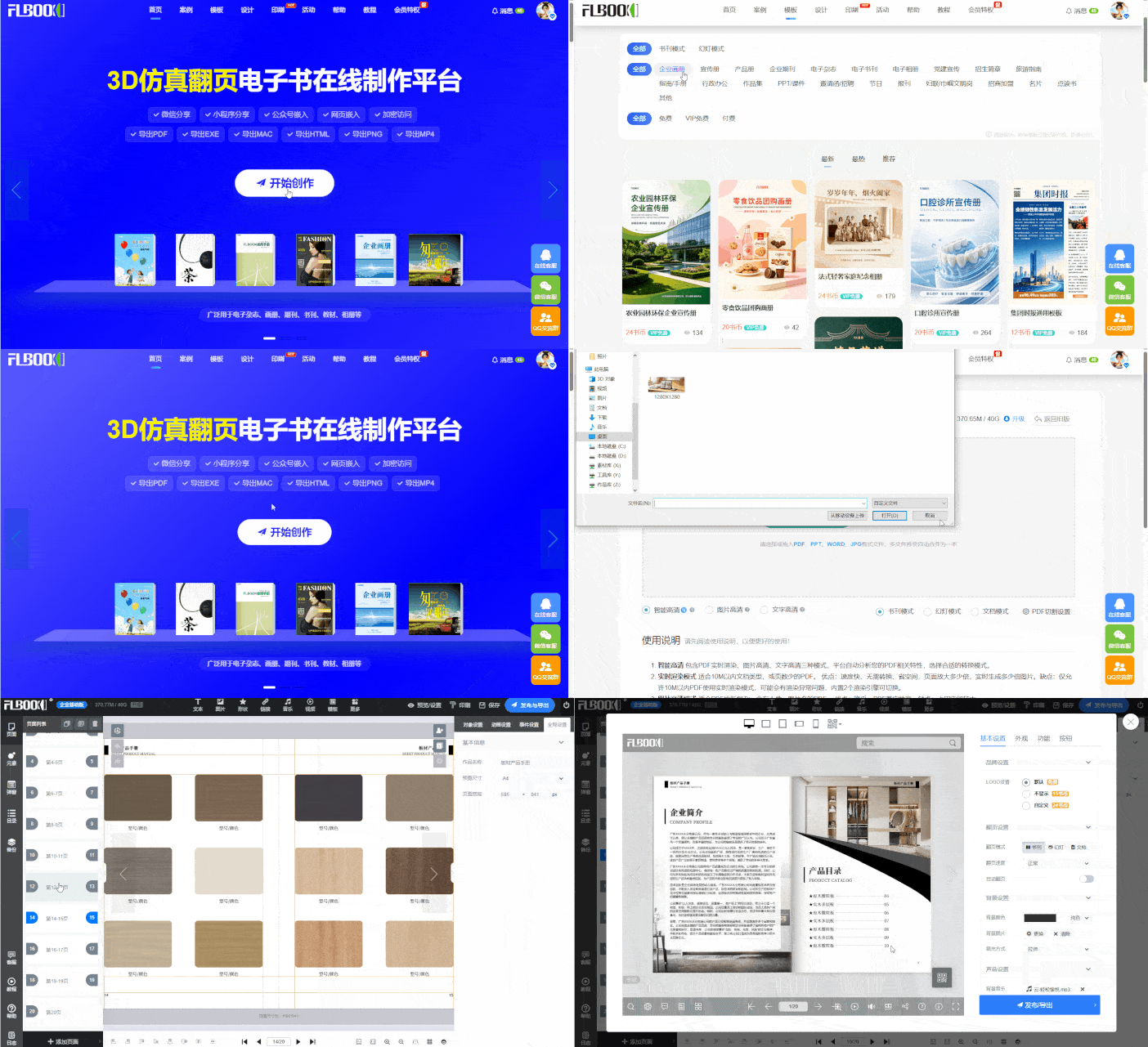
**FLBOOK**
A lightweight online catalog maker. It supports integrating board product parameters, texture photos, and videos. Create HD digital catalogs from scratch with no design skills required. Supports online link sharing and MP4 video export

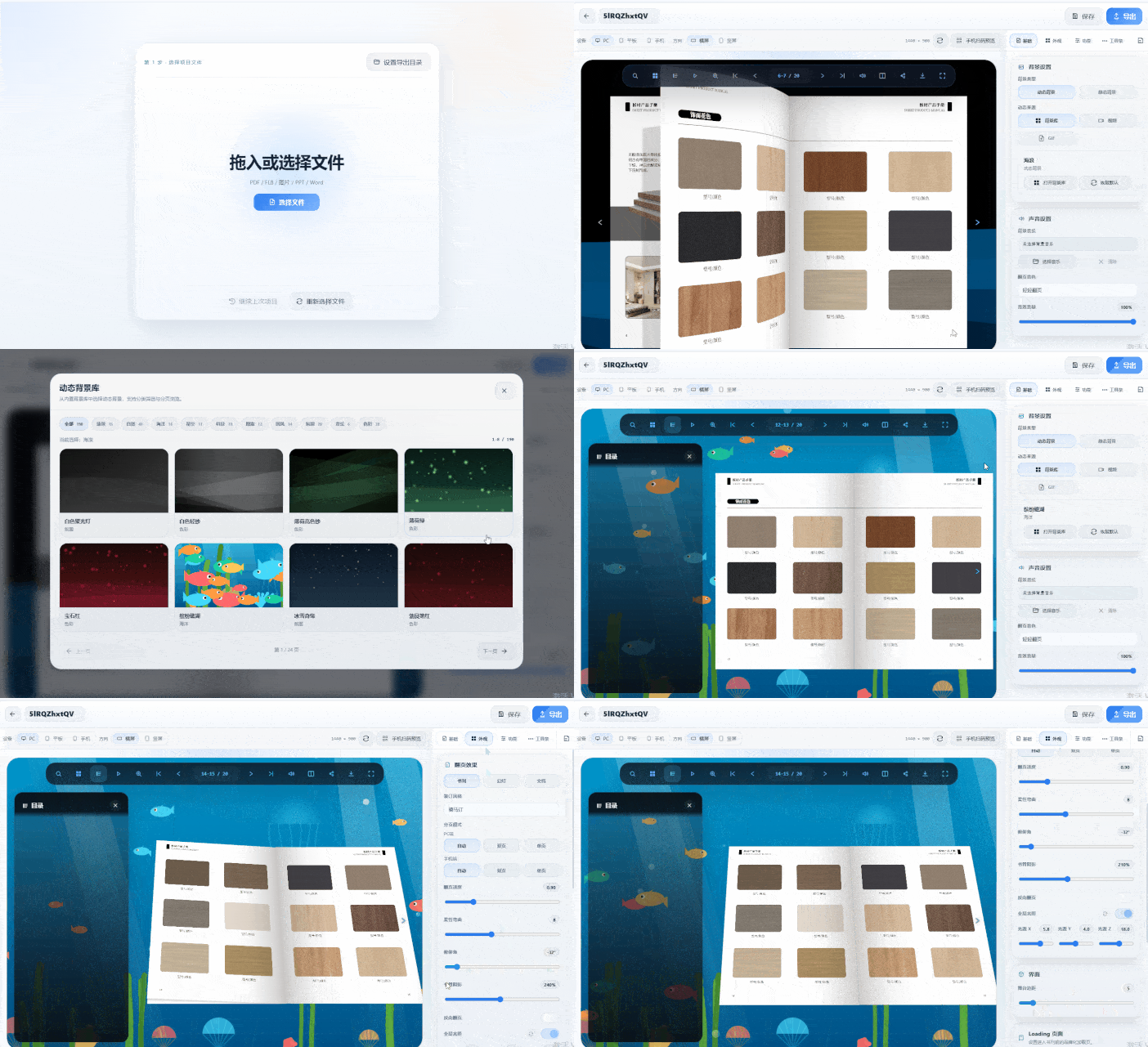
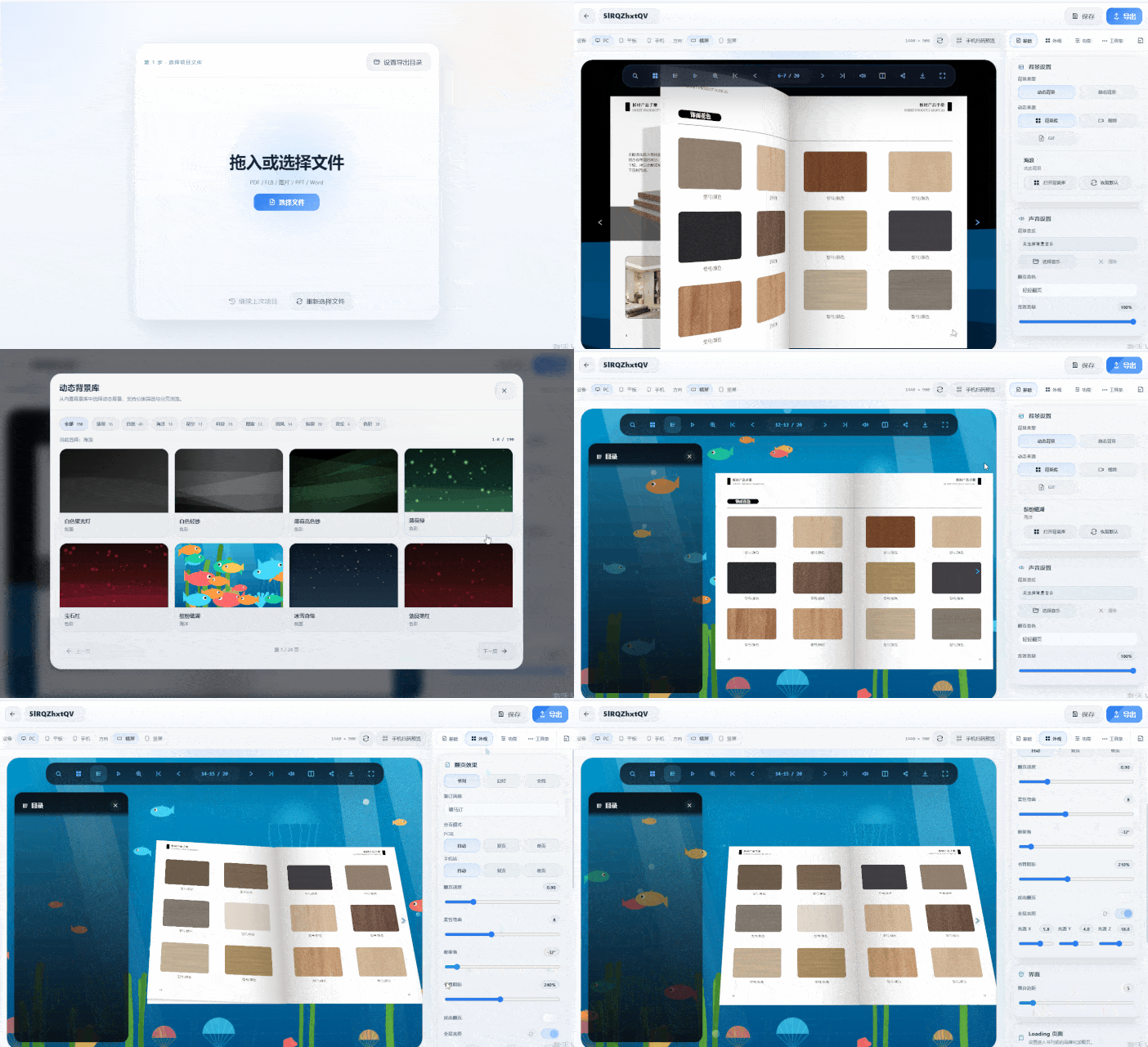
**Miaowang 3D Page-Flip E-book Maker**
Creates realistic 3D engine page-flip effects for an immersive customer experience. Protects board product information by processing all assets locally for enhanced security

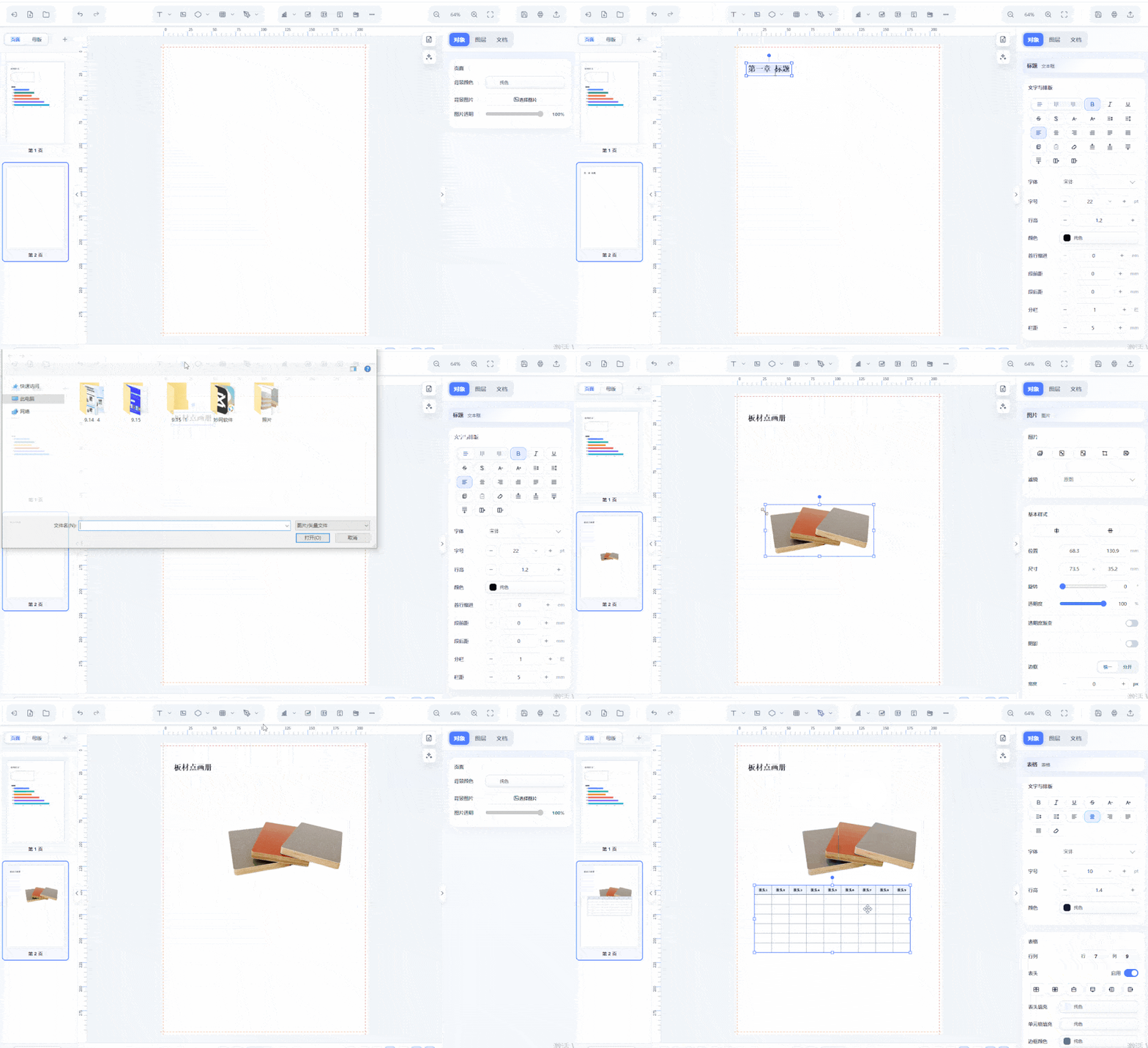
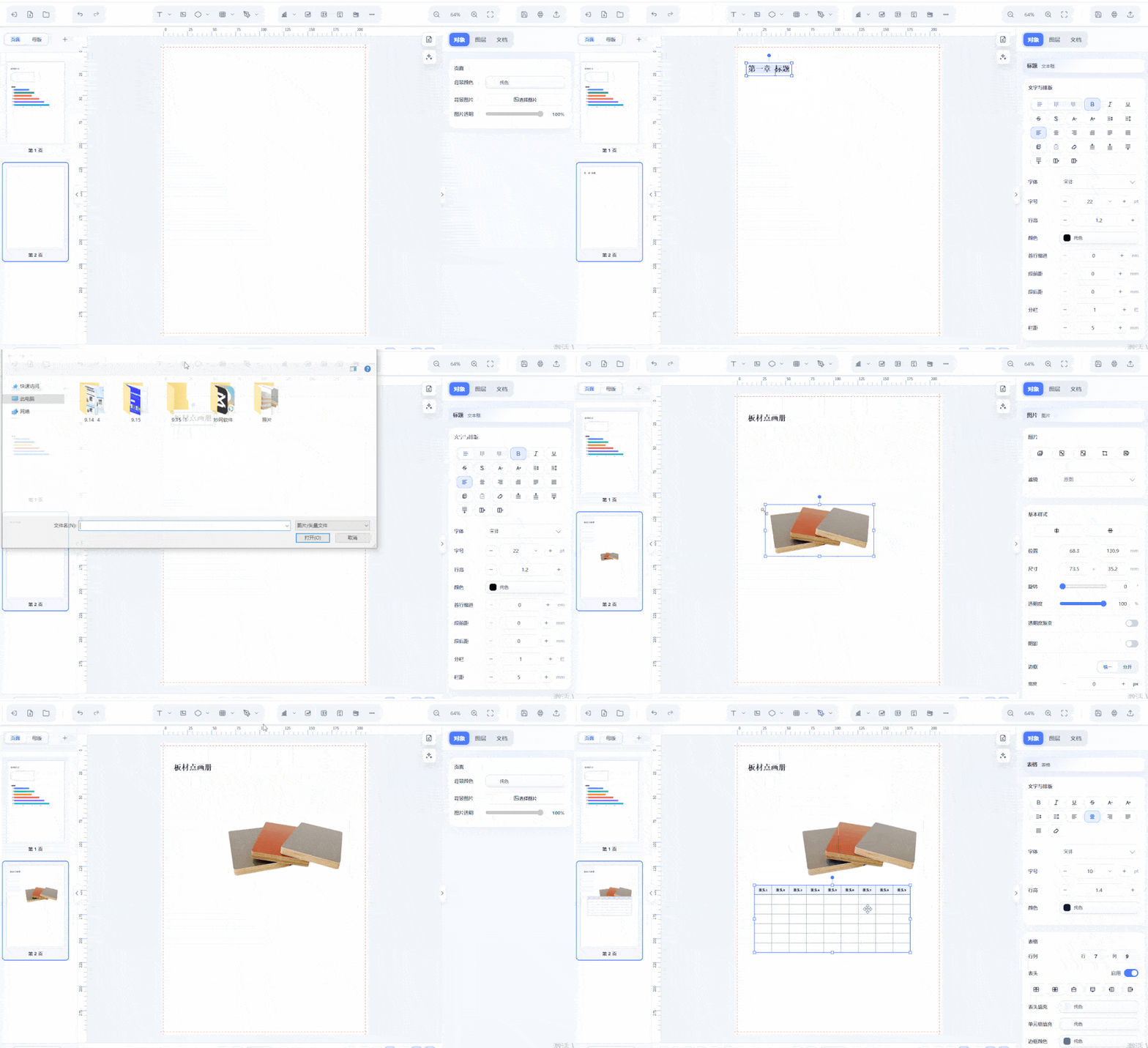
**Miaowang Layout**
Retains the workflow habits of PS, PPT, and CDR for a low learning curve. Supports master page reuse. AI assistance automatically identifies titles, body text, and image ratios to generate initial layouts. Save common cover and inner page layouts as master pages to reuse for new catalogs, boosting efficiency significantly.

**2. Catalog Image Optimization Tools**
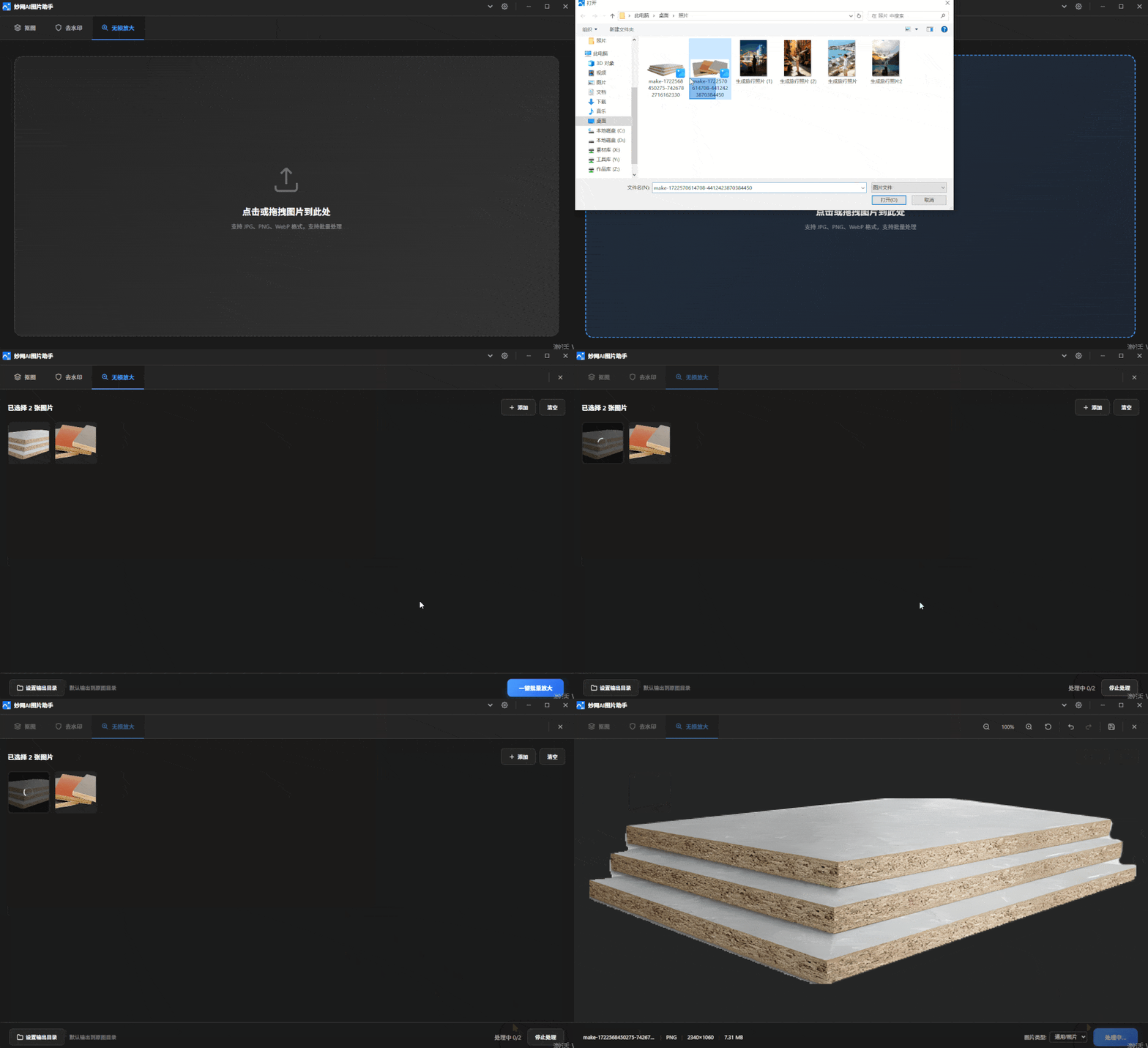
**Miaowang AI Image Assistant**
Handles board photos and renovation renders with **background removal and watermark removal**. Clean backgrounds make catalogs look neater. Uses local offline models to prevent image leaks
Related Articles
Selection Guide: How to Choose Whole-Home Custom Catalog Software? Avoid Pitfalls with These Tips
This article provides a selection guide for whole-home custom catalog software, suggesting evaluation based on usage scenarios, update frequency, and display effects. FLBOOK is recommended for its online tools, multi-format import, free usage, and link sharing, ideal for frequent updates and WeChat promotion. Miaowang 3D page-flip e-book software is recommended for its realistic 3D page-flip effects and multi-format export, suitable for formal brand catalogs. Helps users avoid selection mista…
Create Product Brochures Without Scheduling or Designers! Editor-Tested Lightweight Method
This article explains how to quickly create product brochures using the FLBOOK online tool, requiring no design skills or professional software. In four steps—selecting templates, replacing content, previewing/publishing, and exporting PDF—you can generate digital catalogs for online sharing, website embedding, or printing. This method is efficient, convenient, and offers free basic features, ideal for individuals and small teams to create corporate promotional materials at low cost.
Hidden Gem: This Flipping Online Brochure is Far Superior to PDF
This article compares the user experience of flipping online brochures versus PDF, highlighting the former's superiority for web and mobile viewing. It recommends two creation methods: using the FLBOOK online platform to quickly generate shareable links and QR codes with template support, or using Miaowang's 3D software to create brochures with realistic 3D animations and sound effects, supporting multiple export formats. Ideal for users seeking enhanced brochure presentation.
PDF to QR-Shareable E-Catalog: 2 Methods for Marketers
This article introduces two methods to convert PDF into QR-shareable e-catalogs. FLBOOK offers quick online conversion with links and QR codes for WeChat sharing and multimedia embedding. Miaowang 3D flipbook provides local processing with realistic 3D page-turning effects and high security, ideal for internal or premium displays. Marketers can choose based on distribution and security needs to enhance product presentation…
Guide | FLBOOK vs. Miaowang 3D Flipbook: Which for Catalogs?
This article compares FLBOOK and Miaowang 3D flipbooks for catalog creation. FLBOOK focuses on lightweight online creation for quick output and daily sharing. Miaowang 3D emphasizes desktop local processing with true 3D texture and data security, suitable for exhibition screens and brands. Analyzing features, export formats, and use cases helps users choose the right tool based on budget and needs.
Niche Pick | FLBOOK Digital Brochure Maker: High-End Look for Small Businesses with 500
This article recommends FLBOOK, a digital brochure tool designed for small businesses with limited budgets and no dedicated designers. It requires no download, offers unified style templates, and supports drag-and-drop editing with a page-flip browsing experience. The interface is similar to PPT, making it easy to use. It supports multi-format sharing and basic free features, helping small businesses create professional digital brochures with a 500 high-end look at low cost, enhancing brand image.
Best Software for Digital Brochures? We Tested 4 Tools for Beginners
We tested and recommend 4 Miaowang digital brochure tools: FLBOOK online platform, 3D flipbook maker, Miaowang Layout, and E-book Master. Features include free templates, 3D realistic page flipping, advanced layout, and multi-format export. No design skills needed—ideal for corporate promos, portfolios, and internal docs.
How to Make a Premium Corporate Brochure? Our Editor Tested This Tool
This article explains how to create a premium corporate brochure, emphasizing details such as generous white space, consistent typography, restrained color usage, and page-flip experience. Our editor tested FLBOOK, an online tool that requires no design background—templates, drag-and-drop editing, and page-flip effects help achieve professional results. It supports sharing in multiple formats and easy updates, making it ideal for businesses to quickly produce high-quality digital brochures.