
 EN
ENWhat Tool Should You Use to Make Your Own E-Book? Two Low-Barrier Software Options | Miaowang Technology
The article focuses on selecting self-service ebook tools, recommending FLBOOK and Miaowang 3D flipbook software. FLBOOK requires no download or installation, supports templates, embedding of images, text, audio, and video, and multi-device viewing, making it suitable for personal, educational, and corporate promotional scenarios. Miaowang software emphasiz…
The article focuses on selecting self-service ebook tools, recommending FLBOOK and Miaowang 3D flipbook software. FLBOOK requires no download or installation, supports templates, embedding of images, text, audio, and video, and multi-device viewing, making it suitable for personal, educational, and corporate promotional scenarios. Miaowang software emphasizes 3D page flipping, high-definition output, permission settings, and personalized customization, ideal for producing professional materials and brand publications.
What software should you use to create your own e-book? Here are two low-barrier e-book creation tools suitable for corporate, personal, educational, and commercial scenarios. They are highly practical, so feel free to try them out.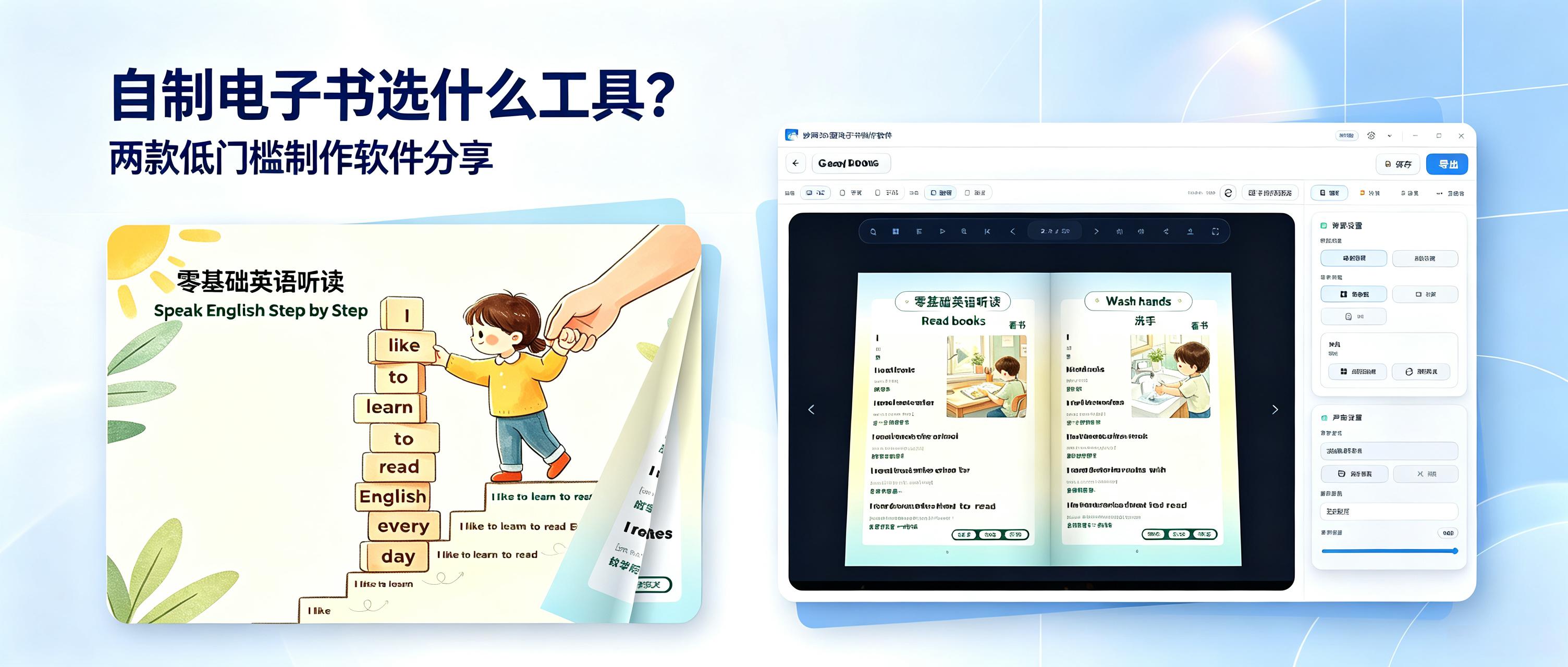
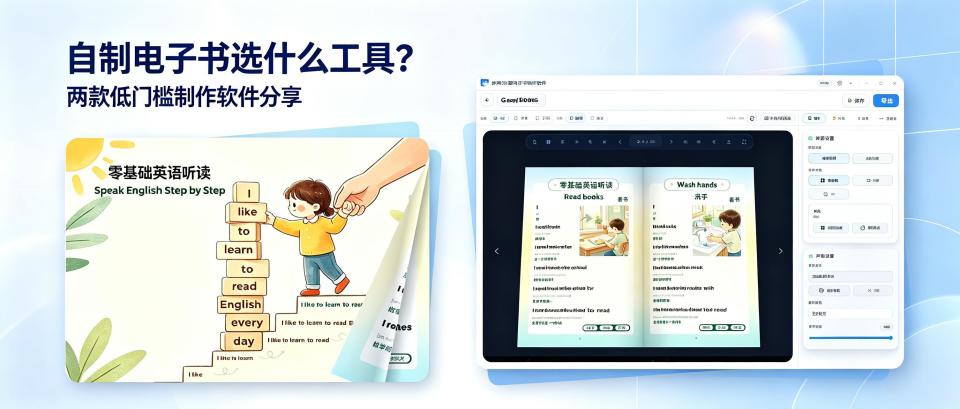
**1. FLBOOK (Online E-Book Creation Tool)**
Fully online operation, no download or installation required. No device requirements and zero learning curve. The platform offers a vast library of high-quality templates, supports embedding of images, text, audio, and video, and is compatible with various file formats. It automatically adapts to mobile and desktop browsing, is lightweight, smooth, and doesn't take up storage space. It suits a wide range of scenarios: individuals can create reading notes or life portfolios; educators can make course materials and study guides; businesses can produce promotional brochures, product manuals, and event materials. Extremely practical.
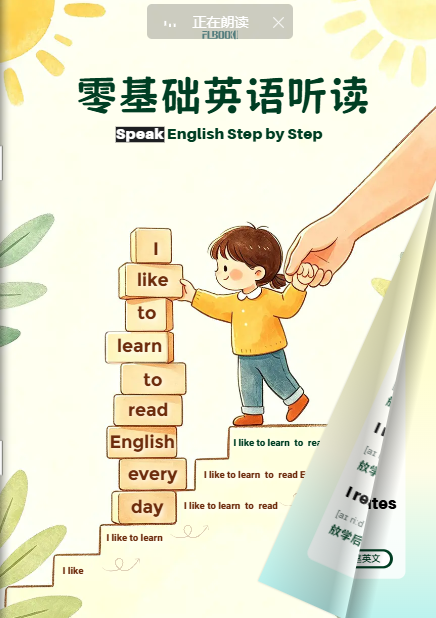
**2. Miaowang Page-Flip E-Book Creation Software**
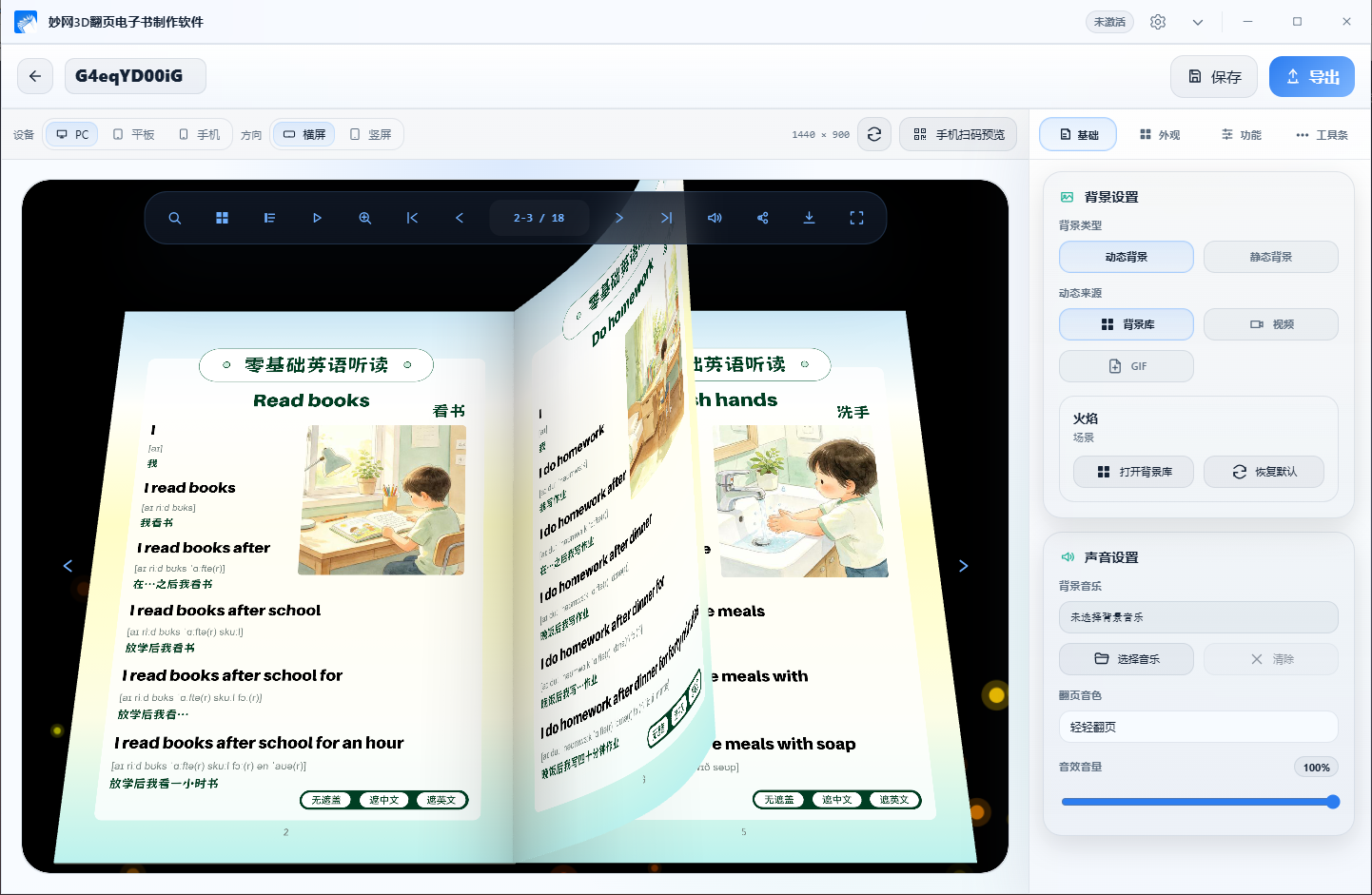
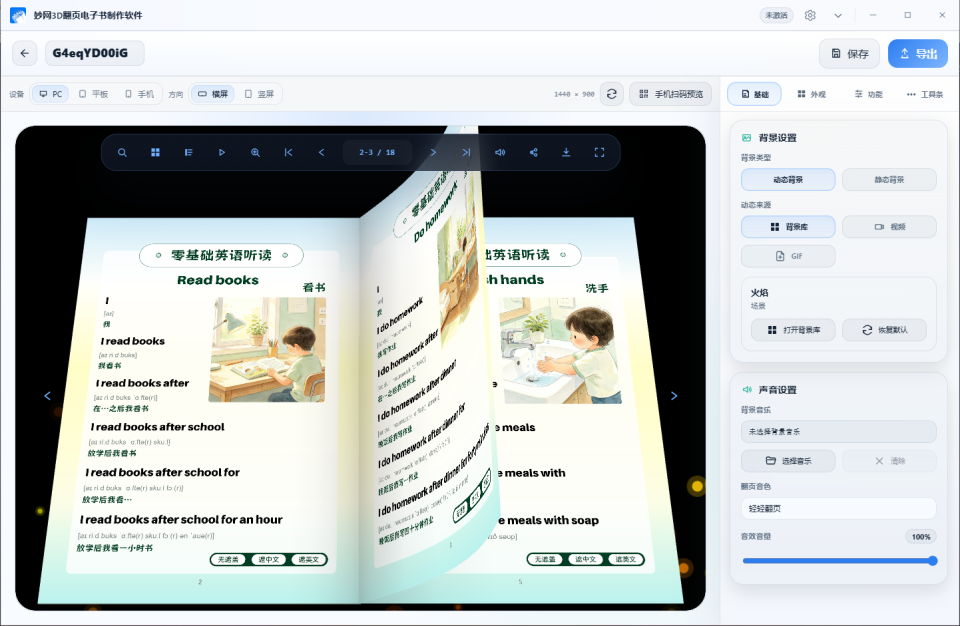
Features realistic page-flip simulation effects with a premium 3D feel. Output is high-definition with no compression or quality loss. Supports custom page-flip sound effects, page backgrounds, and toolbar styles, and allows you to set reading permissions, balancing aesthetics with privacy. Suitable for professional-grade output: in education, it's ideal for journals and course collections; in business and commercial settings, it's perfect for formal business materials, brand publications, and professional document collections. A top choice for high-quality e-book creation.
Follow the Miaowang Technology official account to get the tool
Related Articles
Roundup | 2026 Easy-to-Use Ebook Platforms with Basic Features Almost Free
This article rounds up several ebook creation platforms from 2026 with free basic features: FLBOOK is an online tool supporting PDF and image import, 3D realistic page flipping, and link or QR code sharing, with basic features free; Miaowang 3D page-flip ebook software is a desktop tool supporting WebGL-rendered page flipping, multi-format export, and access encryption; Miaowang Ebook Master supports visual editing and Mar…
Recommended | Chinese Ebook Creation Tools I've Recently Rounded Up—Just Save This List
When it comes to making e-books, there are actually quite a few tools to choose from in China, but ones that are truly easy to use, free, and cover multiple scenarios are rare. I spent some time testing and compiling several tools that performed well, each with its own strengths and different presentation effects — worth bookmarking! 1. FLBOOK: Create online, with backup storage for your works Operate directly in the browser, no software installation needed. Upload HD PDF or images to gener…
Must-Bookmark | Roundup of Tools for Making Page-Flip Books from HD Lossless PDF Uploads
Making page-flip books from uploaded PDF — image clarity is the first hurdle. With PDF page-flip books, the core problem to solve is preserving the original file's clarity after upload. Not every tool can achieve HD lossless output: some forcibly compress image resolution, and some handle large-sized PDF poorly. The two tools rounded up below deliver output clarity nearly identical to the original files after uploading PDF, making them suitable for scenarios that demand high image quality…
Hands-On Test | A Collection of China-Made Tools for Converting PDF into Page-Flipping Albums, Plus a Free QR Code Beautifier
If you have a fully typeset PDF and want to turn it directly into a page-flipping digital album, there's really no need to hire someone to redo the design. The biggest problem with PDF is that it feels "dead." Once converted into a flipping album, the same content becomes a three-dimensional album with page-turning and realistic page lighting, viewable on phones, computers, and tablets, and readable with a quick scan. In this hands-on test, we tried two China-made tools—both are easy to use and work great. 1. FLBOOK: Bro…
Practical Guide: How to Turn Travel Brochures into Page-Flip Guides Visitors Can Read by Scanning a QR Code
We are a small local cultural tourism team running travel websites and scenic area content operations. In the past, we printed batches of travel brochures every year—guide maps, route handbooks, food maps—thousands of copies at a time. It was also inconvenient for visitors: booklets took up hand space, and saving or sharing them was a hassle. This year, we turned our brochures into mobile e-brochures that visitors can read by scanning a QR code: codes are posted at visitor centers, docks, and B&B front desks, and visitors can open and flip through them instantly…
Recommendation | Handy Tools for Writing Enthusiasts
Inspiration is fleeting—shorter than a goldfish's memory. An idea flashes by, and moments later you can't recall what you were about to write. For writing enthusiasts, staying up late chasing inspiration only to stare blankly at the screen has become the norm. Today, AI can certainly generate drafts in bulk, and the output is sometimes even more brilliant than what we write ourselves. But picking out the one that suits you best often means reading through and screening them over and over. Until...
Tutorial | How to Turn an FLBOOK Digital Brochure into a Mini Program and Add It to Your Home Screen for Instant Sharing
How do you turn a finished digital brochure into a mini program and add it to your phone's home screen with one tap? Adding it to the home screen makes it much easier to share product information with clients—the file won't get buried in chat histories or favorites. Today I'm sharing a practical method that I've personally tested, so you can use it with confidence. 1. Steps Step 1: Find the tool We'll use FLBOOK to convert the digital brochure into a mini program code…
Don't Panic! Crystal Photo Album Templates for Studios Are Here! Get a 7-Day Trial Code!
I tried this crystal photo album software just to grab a freebie, but within 7 days I was totally won over! We run a photo studio, and between receiving clients, there's barely any free time for layouts and album making! Hiring a designer separately means paying salaries even in the off-season—costs are hard to justify. Today I'm sharing the crystal photo album software I use—no ads, no forced purchases. Direct access (only channel): http…