
 EN
EN一款好用的在线建材产品册上传制作工具:FLBOOK|妙网科技
做建材这行,产品册是标配。 以前做产品册,要么印纸质版发给客户,要么做个PDF发微信。纸质版成本高、更新麻烦;PDF发出去客户不一定看,而且手机上看一页一页滑,体验一般。 后来想找个在线工具,把手上的产品资料直接做成翻页电子册,客户手机上点开就能翻。 试了一圈,最后用的是 FL…
### 做建材这行,产品册是标配。
以前做产品册,要么印纸质版发给客户,要么做个PDF发微信。纸质版成本高、更新麻烦;PDF发出去客户不一定看,而且手机上看一页一页滑,体验一般。
后来想找个在线工具,把手上的产品资料直接做成翻页电子册,客户手机上点开就能翻。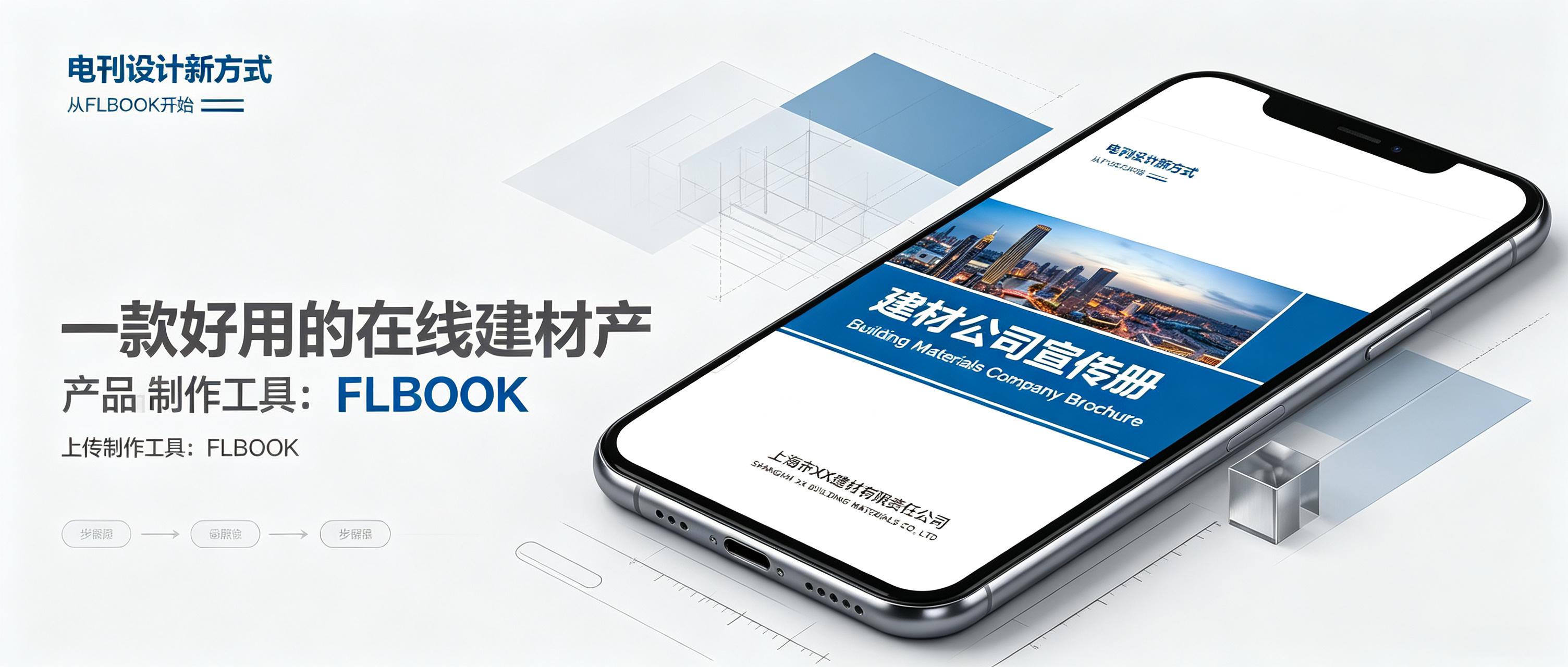
试了一圈,最后用的是**FLBOOK**
**为什么选它**
做建材产品册有几个需求:
* 手上已经有产品PDF或者图片,不想重新排版
* 做完要发给客户看,最好手机上也能翻
* 产品经常更新,做完之后能随时改内容
* 分享出去要方便,最好一个链接或二维码就搞定
**怎么做的**
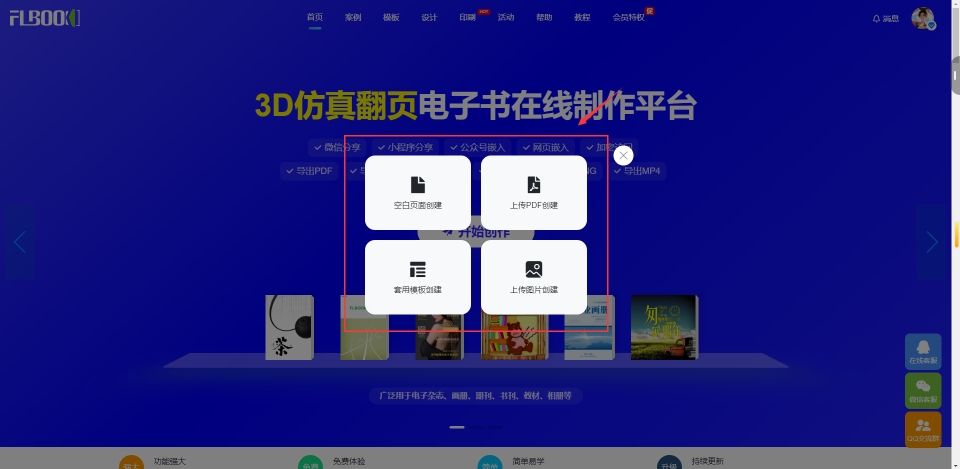
**第一步:上传内容**
**把手上的产品PDF直接传上去,系统自动识别每一页。几十页的产品资料,上传加识别也就一两分钟。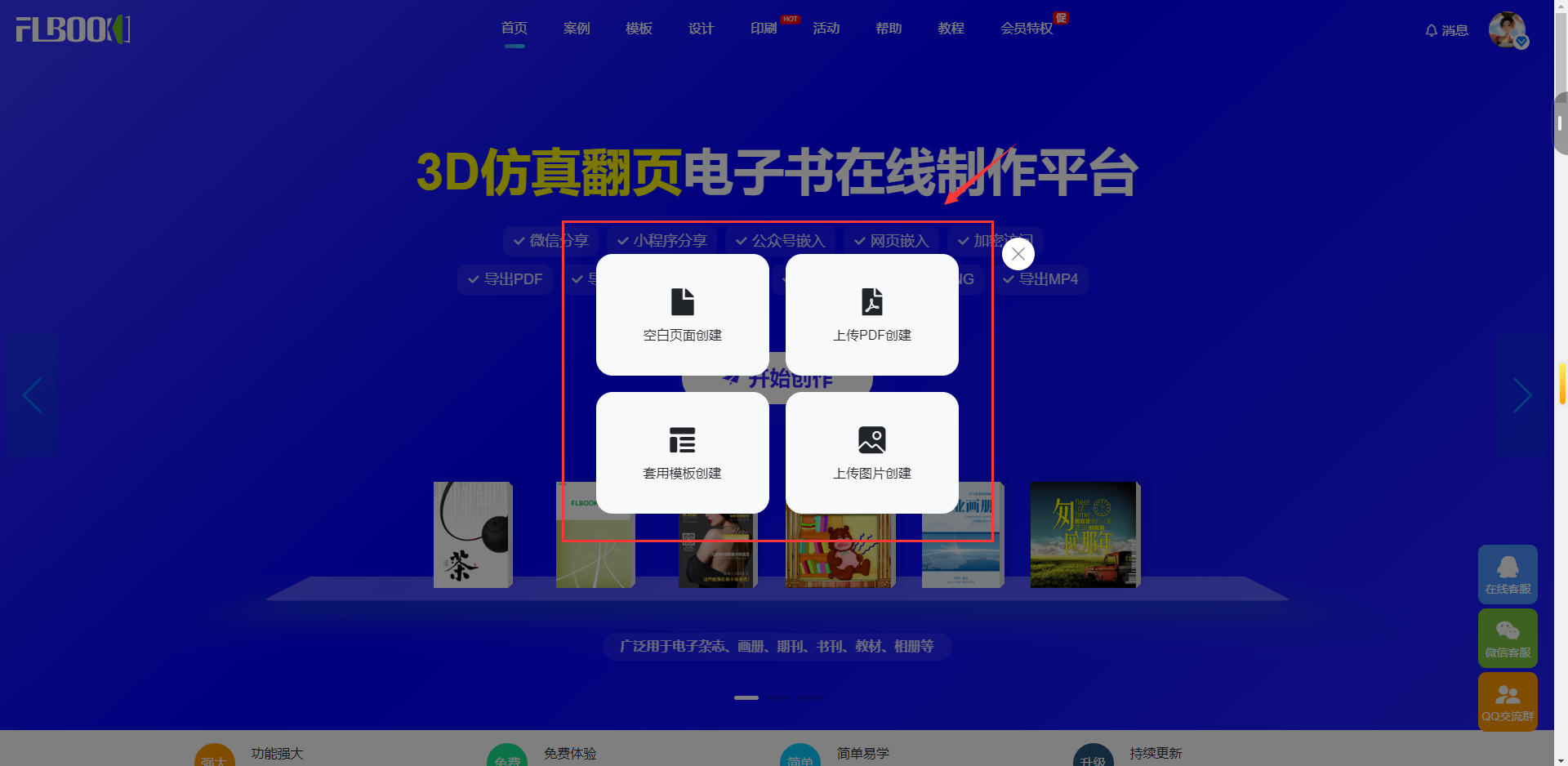**
**第二步:添加自媒体**
Related Articles
揭秘|画册电子版和印刷版如何二者兼顾?用一个工具可完成
FLBOOK在线平台解决画册电子版与印刷版难以兼顾的痛点,实现一次制作、双重输出。支持PDF、Word等格式导入及模板套用,快速生成H5链接、二维码及多端适配文件。同时支持一键导出矢量PDF用于印刷,一本起印,确保线上线下内容一致,大幅降低排版与沟通成本,提升画册制作效率。
小众推荐|4 款低成本企业刊物、宣传资料制作工具分享
本文分享FLBOOK、妙网排书等4款低成本企业刊物制作工具,解决外包成本高、修改难痛点。FLBOOK支持在线生成H5电子画册,妙网排书提供专业AI排版,3D翻页软件增强视觉展示,电子书制作大师实现多格式导出。这些工具兼顾电子版与印刷版需求,大幅降低企业宣传资料制作的时间与资金成…
干货|清单!自制宣传册电子书工具合集
本文盘点FLBOOK、妙网电子书制作大师及妙网3D翻页软件三款工具。FLBOOK适合在线快速生成企业宣传册;妙网大师支持多格式本地编辑,适合整理文稿与培训资料;妙网3D软件主打本地处理与仿真翻页,保障数据安全。三者均支持免费使用与多端适配,助力新手高效制作电子书。
教程|机械设备画册这样制作,多设备展示更专业
本文推荐两款适合个人使用的机械设备画册制作工具:FLBOOK和妙网3D仿真翻页电子书。FLBOOK支持在线批量上传、自动适配多端屏幕及在线更新,适合长期维护;妙网软件侧重本地制作、3D翻页视觉效果及多格式导出,适合展会展示。两者基础功能均免费,无需专业设计功底即可制作专业多设备…
干货|服装新品画册做成3D仿真翻页电子画册更吸睛
本文详解如何利用FLBOOK将服装新品3D仿真翻页电子画册整合至虚拟书架,解决单链接分享繁琐及客户浏览不便痛点。通过创建书架、分类管理画册并生成统一链接或二维码,实现多本画册集中展示。支持嵌入官网或公众号,显著提升分享效率与客户体验,是服装行业高效展示新品的实用解决方案。
把画册摆进虚拟书架里, 集中式分享给客户
本文介绍如何利用FLBOOK将电子画册集中放入虚拟书架,解决分散分享效率低的问题。通过创建书架、添加作品及生成链接或二维码,客户可一键浏览所有画册。支持嵌入官网或公众号,提升品牌展示专业度与客户访问体验,实现高效集中分享。
小编亲测|做画册用云端工具还是本地工具?这两款都可一试
本文实测对比FLBOOK与妙网3D两款免费画册制作工具。FLBOOK作为云端在线工具,支持多格式上传、模板丰富及一键分享,适合快速制作与传播;妙网3D为本地离线软件,主打逼真3D翻页效果、多格式导出及隐私保护,适合对质感与安全性有要求的场景。用户可根据在线便捷性或本地隐私需求灵…
必收藏|电子画册制作工具横向对比清单
本文横向对比四款主流电子画册制作工具:FLBOOK适合在线快速生成与分享;妙网3D翻页电子书主打本地离线处理及炫酷3D效果;妙网排书专注复杂版式专业排版;妙网电子书制作大师侧重内容编写与多格式导出。通过解析各工具定位、优势及适用场景,帮助用户根据宣传册、展会演示或教材制作等需求…